App Update Problems, Teen Patti Joy
App update problems explained for teen patti joy: step-by-step, with the details most guides leave out.
What is App Update Problems?
App update problems on Teen Patti Joy are failures that stop a newer version of the game from installing correctly on your Android device. Because Teen Patti Joy distributes its APK directly from its own website rather than through the Google Play Store, every update requires a manual download and install, and each of those steps can go wrong independently.
The most common symptoms are a stuck download bar, an "App not installed" or "Parse error" message after tapping Install, a version-mismatch loop that won't let you past the home screen, or a zero-byte APK file that downloaded silently. Recognising which symptom you have narrows the fix to a single cause: a blocked permission, corrupted download, storage shortage, or version conflict with the existing build of Teen Patti Joy already on your phone.
App Update Problems on Mobile
The most common mobile blocker is Android's Install Unknown Apps restriction. Go to Settings → Apps → Special App Access → Install Unknown Apps, select your browser or file manager, and enable Allow from this source. Without this, Android silently refuses the Teen Patti Joy APK regardless of how many times you tap Install.
If permission is already granted but you still see "App not installed," delete the downloaded APK, clear your browser cache under Settings → Apps → Chrome → Storage → Clear Cache, and re-download from Teen Patti Joy's official website on a stable Wi-Fi connection. A file that downloaded while the network dropped is the leading cause of parse errors on Teen Patti Joy.
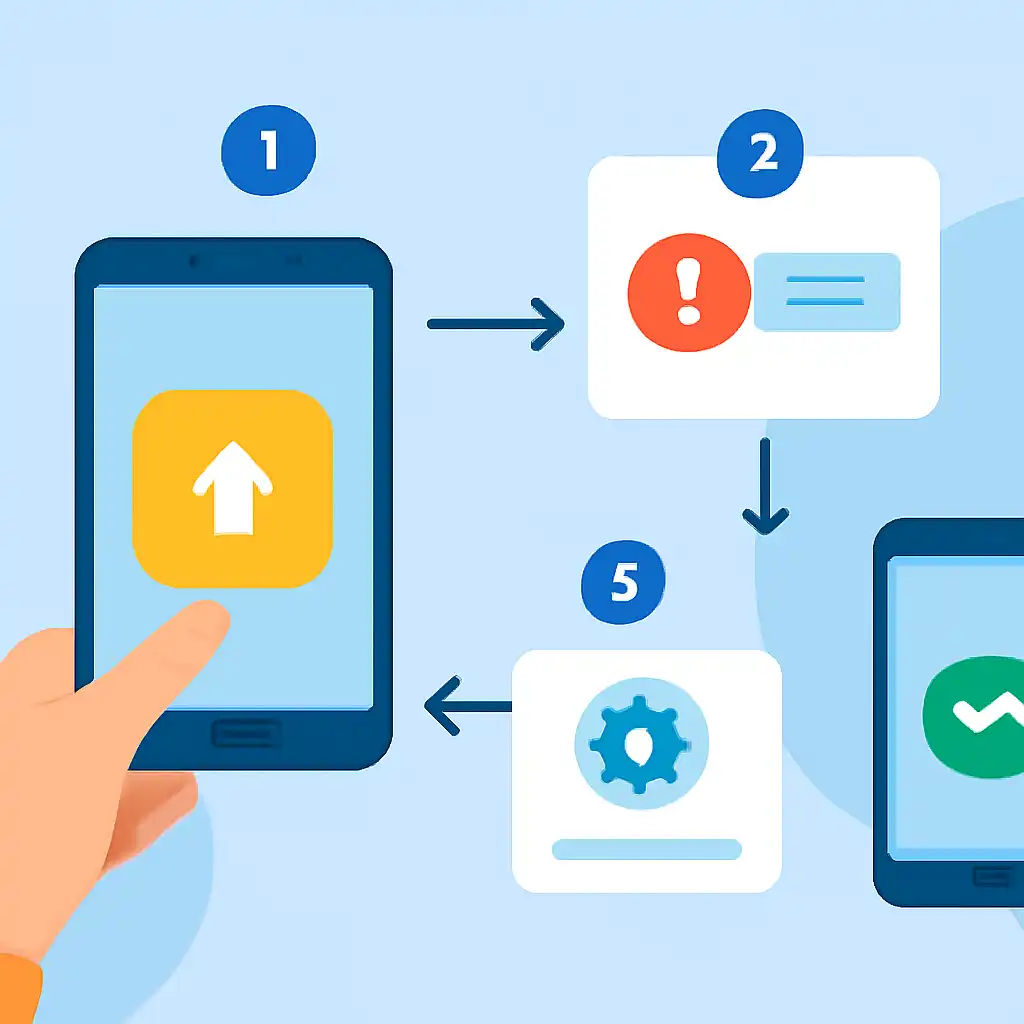
If the conflict persists after a clean download, uninstall the old version first, your chips and account data are stored server-side and return the moment you log back in. For the update loop issue, go to Settings → Apps → Teen Patti Joy → Storage → Clear Cache, force-stop the app, then reopen it. The cache was holding the old version string and blocking the game from recognising the new build.
App Update Problems Safety and Timing
Only download the Teen Patti Joy APK from the genuine official platform. Third-party mirror sites often serve outdated or modified builds that either fail to install or pass installation but contain adware. Before tapping any download link, verify the URL in your browser address bar matches the official domain exactly, a single character difference indicates a fake mirror.

Timing your update matters too. Teen Patti Joy releases updates during off-peak hours, but the highest download failure rate occurs in the first 30 minutes after a release when CDN caches are still propagating. If your download stalls or produces a corrupted file, wait 20 to 30 minutes and retry. Never update mid-session, always close the app fully before starting a new APK install to avoid file-lock errors that prevent the installer from replacing core game files.