Password Reset, Teen Patti Joy
Clear answers on password reset for teen patti joy, checked against the live platform and updated when it changes.
What is Password Reset?
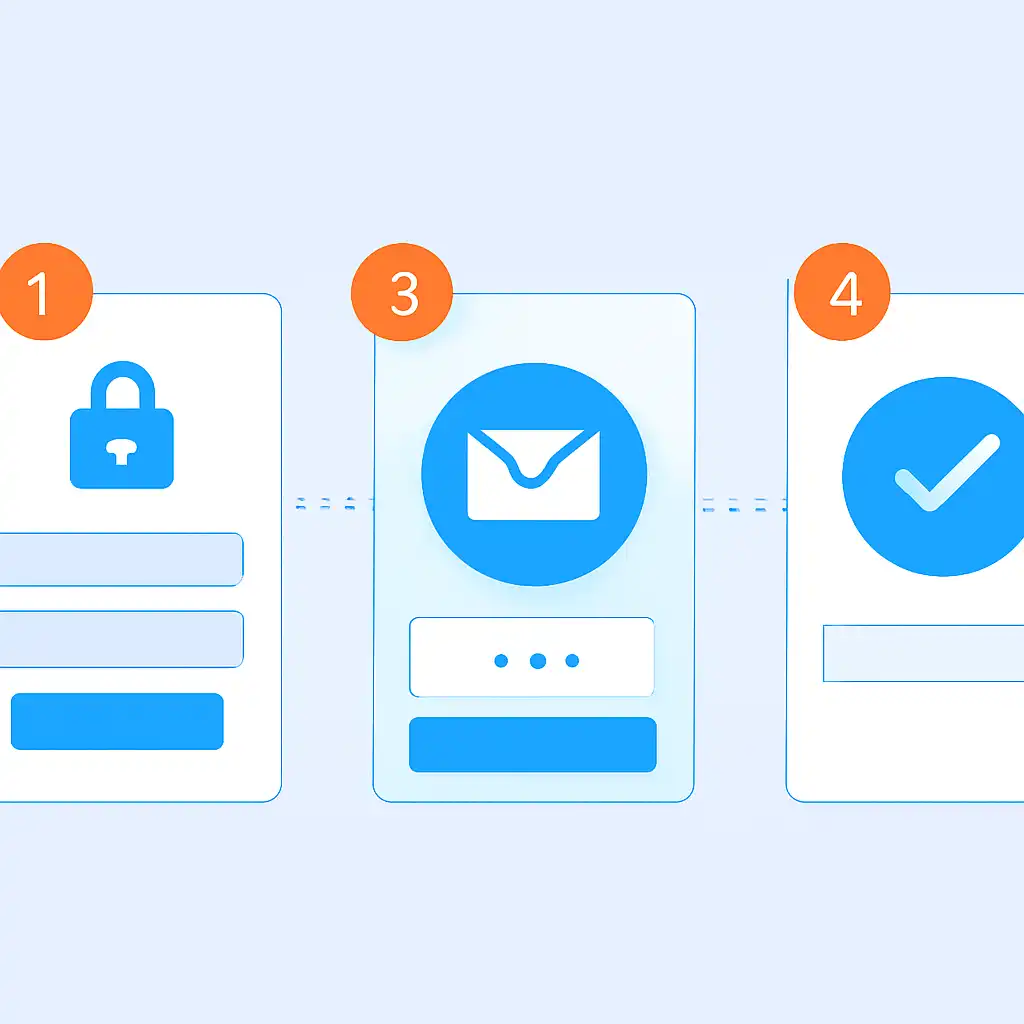
A password reset on Teen Patti Joy is the self-service process that restores access to your account when your login credential is lost, forgotten, or compromised. Instead of waiting 24 to 48 hours for manual support, the reset flow on teenpattijoyapp.org verifies your identity through a one-time password (OTP) sent to your registered mobile number or email, then lets you set a new password in under three minutes, no support ticket required.
Your Teen Patti Joy account holds your chip balance, VIP tier progress, referral earnings, and active bonus claims. A locked account means missed daily check-in rewards, dropped tournament seats, and expired limited-time offers. The password reset feature ensures a forgotten credential never costs you chips or rank. It is also the correct first step if you suspect an unauthorised login, resetting the password instantly terminates all active sessions on other devices, protecting your balance immediately.
Password Reset Step by Step
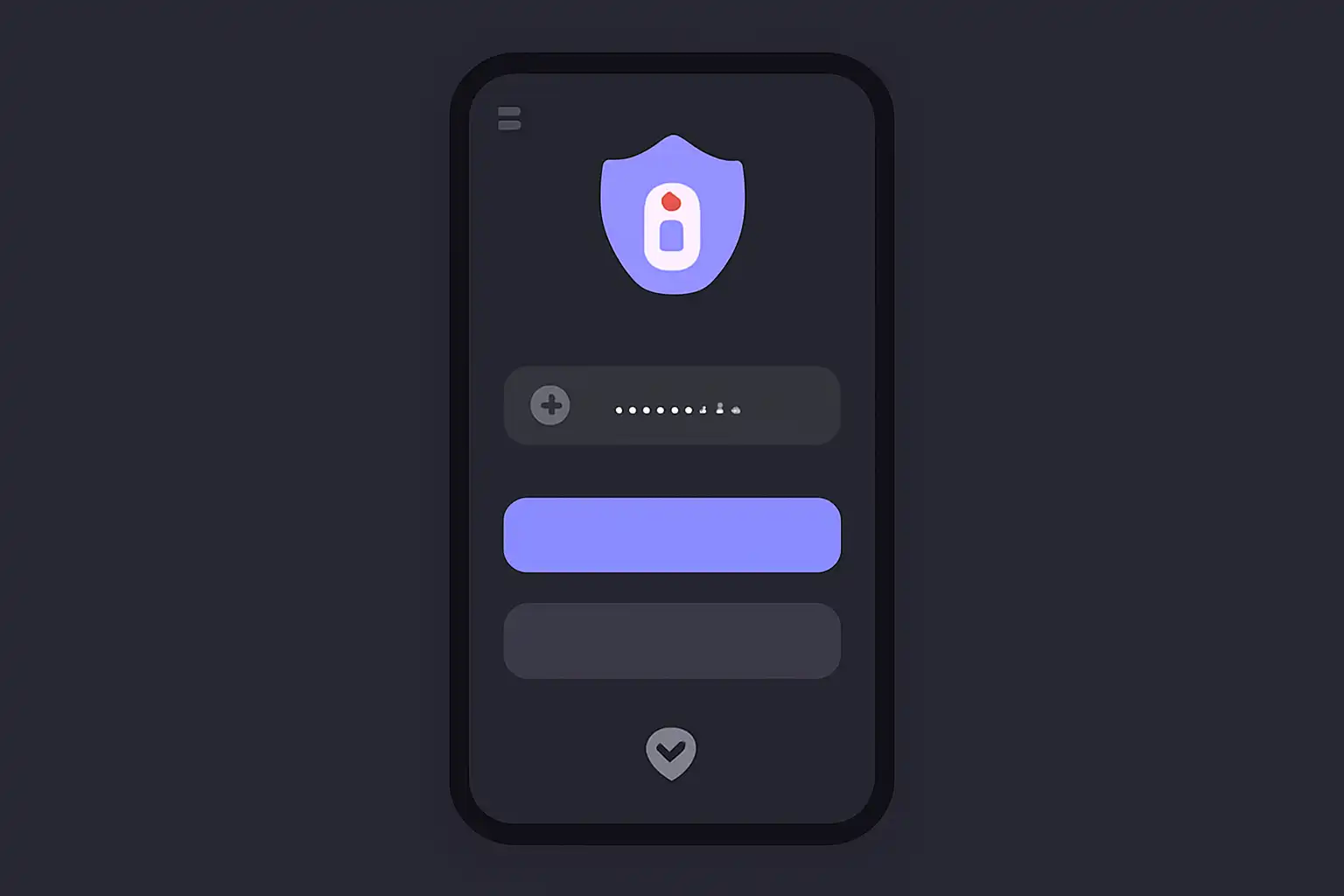
Open the Teen Patti Joy app or visit teenpattijoyapp.org and tap Login. Below the password field, tap Forgot Password?. Enter the mobile number or email address linked to your account and tap Send OTP. You will receive a six-digit code via SMS or email within 60 seconds. If you registered with a UPI-linked number used for PhonePe, GPay, or BHIM, ensure your SIM is active and has a network signal before requesting the OTP, as telecom delays can occasionally add 30 to 60 seconds on BSNL or Jio networks during peak hours.
Enter the six-digit OTP in the verification field, the code is valid for 5 minutes, so do not close the app or switch screens during this window. After successful verification, the Set New Password screen appears. Create a password at least 8 characters long combining uppercase letters, lowercase letters, numbers, and one special character (example: Joy@2025#). Avoid reusing your previous password, especially if your account was accessed without permission. Tap Confirm to save. The app logs you in automatically and displays your chip balance. Once inside, navigate to Settings → Security and enable the login PIN for added protection on future sessions.
Password Reset Safety and Timing
Never share your OTP with anyone, Teen Patti Joy support staff will never ask for it. Scammers sometimes pose as support agents on WhatsApp or Telegram, claiming they need your OTP to "verify your account." If you receive such a request, ignore it and report the number. Always initiate the reset directly from the official app or teenpattijoyapp.org, never through a link received in an unsolicited SMS or social media message.
Reset your password immediately if you use the same credential on any payment app such as PhonePe, GPay, or Paytm, and that app reports a breach, shared passwords across platforms are the leading cause of account takeovers on real-money gaming sites in India. Aim to update your Teen Patti Joy password every 60 to 90 days as a routine precaution, and always reset within minutes of noticing any unrecognised chip movement or login alert from an unfamiliar city or device.